
Why workplace management software matters for EdTech operations
Centralized systems replace siloed tools and manual processes, lowering administrative overhead and improving consistency across campuses. When integrated with LMS/SIS and calendar platforms, the software automates assignments, enforces capacity and accessibility rules, and provides data for strategic planning and capital decisions.
How does workplace management software help EdTech teams support hybrid learning?
Workplace management software centralizes scheduling, room booking, asset tracking, and analytics to automate hybrid classroom assignments, optimize space use, and enforce safety and accessibility policies. It eliminates double-bookings, reduces manual scheduling time, and gives real-time visibility across campuses for consistent in-person and remote instruction.
Implementing a workplace management software for hybrid classroom scheduling
Assessment and requirements gathering
Begin with a detailed map of teaching modalities, room types, and AV needs. Create inventories and define scheduling rules that reflect capacity, setup buffers, and priority tiers.
- Map modalities: synchronous lectures, labs, studios, and mixed-reality sessions
- Inventory fixed AV, mobile carts, and specialized lab equipment
- Define rules: capacity, cleaning windows, priority bookings, and accessibility needs
Integration and data sources
Integrate the system with LMS, SIS, Exchange/Google calendars, and SSO to sync course timetables and instructor availability. Feed occupancy sensors and access logs to automate headcounts and room status.
- LMS/SIS and calendar sync to reduce manual cross-checks
- Occupancy sensors and door logs for real-time utilization
- IWMS/CAFM/EAM links for AV lifecycle and preventive maintenance
Rollout and change management
Use a phased pilot to validate rules and workflows, then expand campus-wide with training and clear SLAs. Run a parallel scheduling period to capture conflicts and iterate before full deployment.
- Pilot one building or department for 4–8 weeks
- Role-based training for schedulers and faculty
- Support KB, feedback loop, and escalation paths
Optimizing learning spaces with educational facility software
Space analytics and learning space optimization
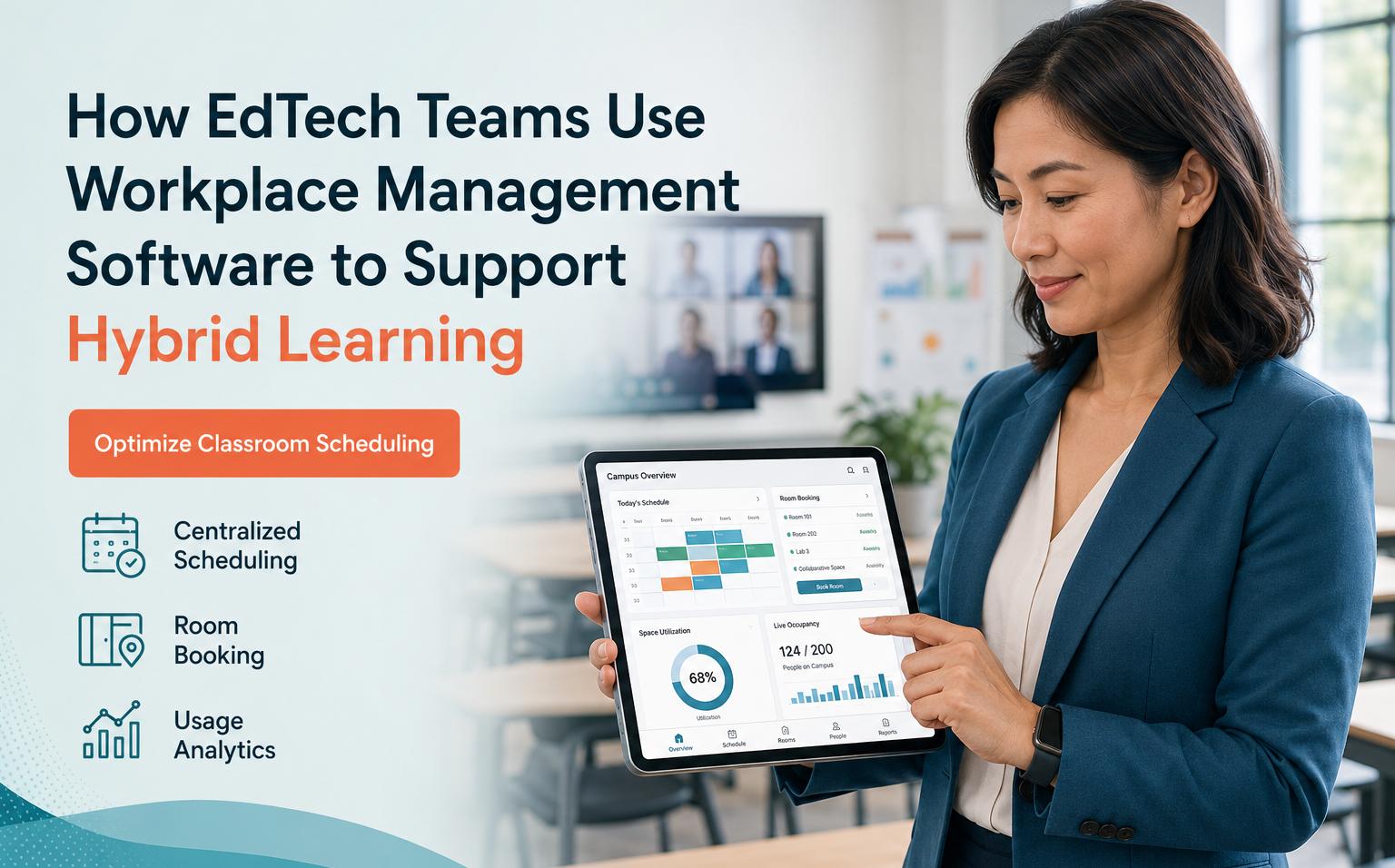
Utilization dashboards reveal underused rooms and peak demand windows. Use seat and zone configurations to support hybrid layouts and forecast needs for term planning and capital projects.
- Spot underutilized rooms to consolidate or repurpose
- Forecast demand to guide course placement and renovation decisions
Flexible room configuration and equipment booking
Allow instructors to reserve hybrid-enabled rooms with AV presets, recurring bookings, or mobile cart delivery. Presets ensure consistent camera angles, microphone routing, and video feeds without technician intervention.
Accessibility, safety, and compliance
Track occupancy against limits, log accessibility accommodations, and schedule cleaning between sessions. Maintain audit trails to demonstrate compliance with institutional policies and regulatory requirements.
Use cases: campus workspace management for EdTech operations
Multi-campus and satellite learning coordination
A centralized view across sites and time zones enables matching courses to hybrid-capable spaces and reduces travel friction for visiting faculty and students.
Staff, tutor, and proctor scheduling
Automate assignments for lab supervisors, proctors, and tutors based on room bookings and course requirements to ensure coverage during high-demand slots.
Student and faculty self-service
Offer portals for room requests, study groups, and equipment checkout with automated approvals, notifications, and hybrid links to reduce no-shows and last-minute relocations.
Measuring ROI and operational efficiency
KPI dashboards for operations directors
Track utilization rate, average idle time, booking lead time, and reductions in last-minute relocations. Surface FTE hours saved and improvements in service reliability to quantify operational gains.
- Room utilization and idle time
- FTE hours saved and deployments avoided
- Reduction in technical disruptions and room turnover time
Cost-savings and resource reallocation
Consolidating underused spaces defers capex and lowers facility costs. Reallocate staff from reactive scheduling to pedagogy support, space redesign, and proactive maintenance planning.
Conclusion
Workplace management software is mission-critical for EdTech operations enabling hybrid learning. Centralized scheduling, real-time sensor integration, and analytics reduce friction, enforce compliance, and align facilities with instructional needs. Piloted thoughtfully, the platform drives measurable ROI and improves the student and faculty experience.
Key Takeaways
- Centralized workplace management software reduces manual scheduling and prevents double-bookings.
- Integrations with LMS/SIS, calendars, and occupancy sensors enable real-time optimization and compliance.
- Measure utilization, FTE hours saved, and avoided capex to demonstrate ROI and guide improvements.
Discover how eFACiLiTY can optimize your facility management. Schedule a demo today.
FAQ
What features should operations teams prioritize in a workplace management system?
Operations teams should prioritize real-time scheduling and calendar sync, room and asset booking, utilization analytics, and LMS/SIS integrations. Role-based access, recurring bookings, AV presets, occupancy sensor feeds, and audit trails are essential for accessibility, safety, and compliance. Vendor support and training determine operational success.
How much does educational facility software typically cost for hybrid learning?
Costs vary by institution size and deployment scope. Cloud subscriptions often price per room or enterprise seat; major cost drivers include integrations, occupancy sensors, and professional services. Budget for pilot projects, training, and ongoing support. Obtain vendor quotes and model total cost of ownership over three to five years.
How long does it take to deploy a campus-wide workplace management system?
Timelines depend on complexity and integrations. A focused pilot can take 6–12 weeks; a phased campus rollout with calendar, LMS/SIS sync, sensor installs, and staff training typically runs 3–6 months. Allow additional time for large data migrations and vendor customization to ensure policy alignment and user adoption.




