
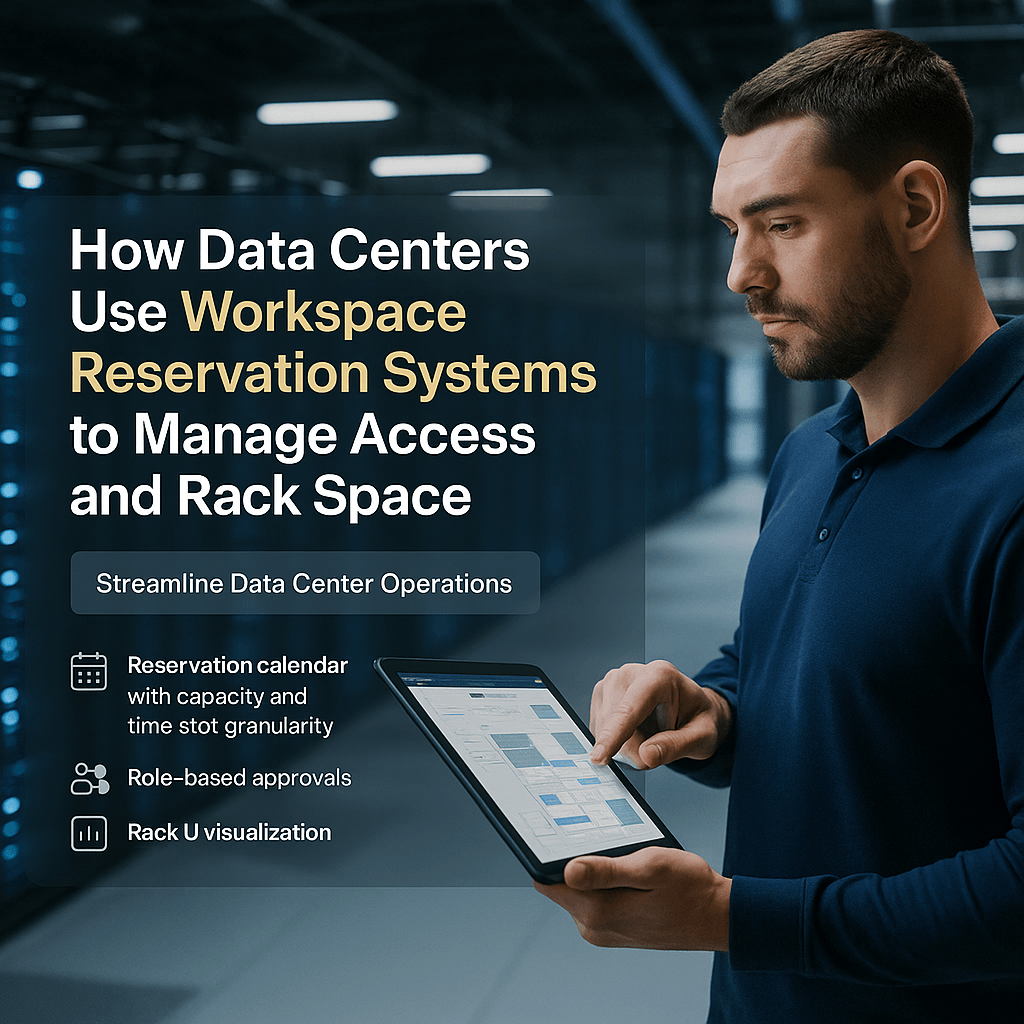
Workspace reservation system features that optimize rack space allocation and data center access control
Core capabilities
A modern workspace reservation system should offer granular calendars, role-based approvals, rack U visualization, asset tagging, and open APIs for DCIM, access control, and ITSM integrations. These features combine to reduce stranded U and speed provisioning.
- Reservation calendar with cabinet-, row-, or suite-level capacity and time-slot granularity
- Role-based approvals, visitor vetting, single-use credentials, and override auditing
- Rack U visualization, occupancy overlays, and asset-to-U mapping linked to DCIM
- Open APIs to automate doors, PDUs, and ticket updates
How can a workspace reservation system control physical access and prevent rack-space conflicts?
A workspace reservation system enforces time-bound authorizations and approval workflows, issues single-use access tokens integrated with access control, and marks reserved U in DCIM to prevent overlapping allocations. Every access event is logged and tied to change tickets, producing an auditable trail for compliance and post-incident review.
Step-by-step implementation: server room booking and workflow integration
Deployment roadmap
Follow a phased approach to minimize risk and validate automations before production rollout.
- Audit current booking and maintenance procedures to identify common conflicts.
- Define reservation policies: who can reserve what, approval chains, safety checks, and SLA windows.
- Integrate the reservation system with DCIM/CMDB, access control hardware, PDUs, and ITSM to automate state changes.
- Pilot in non-production racks, measure conflict reduction and provisioning time, iterate, then scale.
Practical tip: Start with staging cabinets to validate door automation and PDU controls before enabling in high-security zones.
Integrations and automation: tying reservation systems to data center access control and monitoring
Key integrations
Automation and integrations reduce manual handoffs and human error while increasing technician throughput.
- Access control systems (card readers, biometrics) for time-limited credentials and automatic revocation.
- DCIM for real-time occupancy, asset movement, and U-level locking.
- Building management systems (BMS) to coordinate environmental and power safeguards during work.
- ITSM/ticketing to link reservations with change records and attach sign-off checklists or photos.
Using reservation data for infrastructure capacity planning and rack space allocation
Capacity planning workflows
Reservation telemetry is a practical input to capacity planning and consolidation strategies.
- Aggregate reservation metrics (lead time, frequency, duration, concurrent U requests) to forecast demand.
- Generate utilization heatmaps and fill-factor reports to find stranded U and consolidation candidates.
- Model scenarios using reservation lead times to size refreshes or expansions.
Reclaiming even 8–12% of stranded rack U identified through reservation analytics can defer costly expansion or colocation spending.
Policies, compliance, and best practices for secure server room booking
Governance and operational controls
Adopt least-privilege, time-limited access and maintain tight audit trails to meet compliance and security objectives.
- Enforce permit-to-work and mandatory safety checks for high-risk tasks.
- Require cabinet- and equipment-level tagging for every reservation to improve traceability.
- Retain reservation and access logs per regulatory requirements and reconcile with DCIM asset movement records.
- Review reservation audit logs quarterly to detect anomalies and friction points.
Conclusion
When integrated with DCIM, access control, and ITSM, a workspace reservation system becomes a central control plane for server room booking, automated access, and rack U management. The result is fewer conflicts, faster provisioning, improved capacity planning, and stronger auditable controls without added operational friction.
Key Takeaways
- A workspace reservation system centralizes server room booking, role-based access, and rack visualization to reduce conflicts and stranded capacity.
- Tight integrations with DCIM and access control enable automation that shortens provisioning time and enforces compliance.
- Reservation analytics support capacity planning, helping reclaim rack U and forecast expansion needs.
Discover how eFACiLiTY can optimize your facility management. Schedule a demo today.
FAQ
How does a workspace reservation system differ from DCIM?
A workspace reservation system schedules people and temporary space use (server room bookings and technician access), while DCIM manages long-term assets, power, and thermal telemetry. Together they keep rack occupancy current, prevent double-booking, and provide operational context for capacity planning, auditing, and change management.
Can reservation systems enforce physical access control in real time?
Yes. Integrated reservation systems issue time-limited credentials, trigger door unlocks only during approved windows, and automatically revoke access at reservation end. All access events are logged and can be linked to ITSM tickets or DCIM events for full traceability and post-work auditing.
What metrics should data center managers monitor to measure success?
Track rack U utilization rate, reservation conflict rate, mean time to provision access, reservation lead time, and reclaimed capacity from consolidation. These KPIs quantify operational efficiency gains, security improvements, and the ROI of a reservation-driven capacity management program.




