
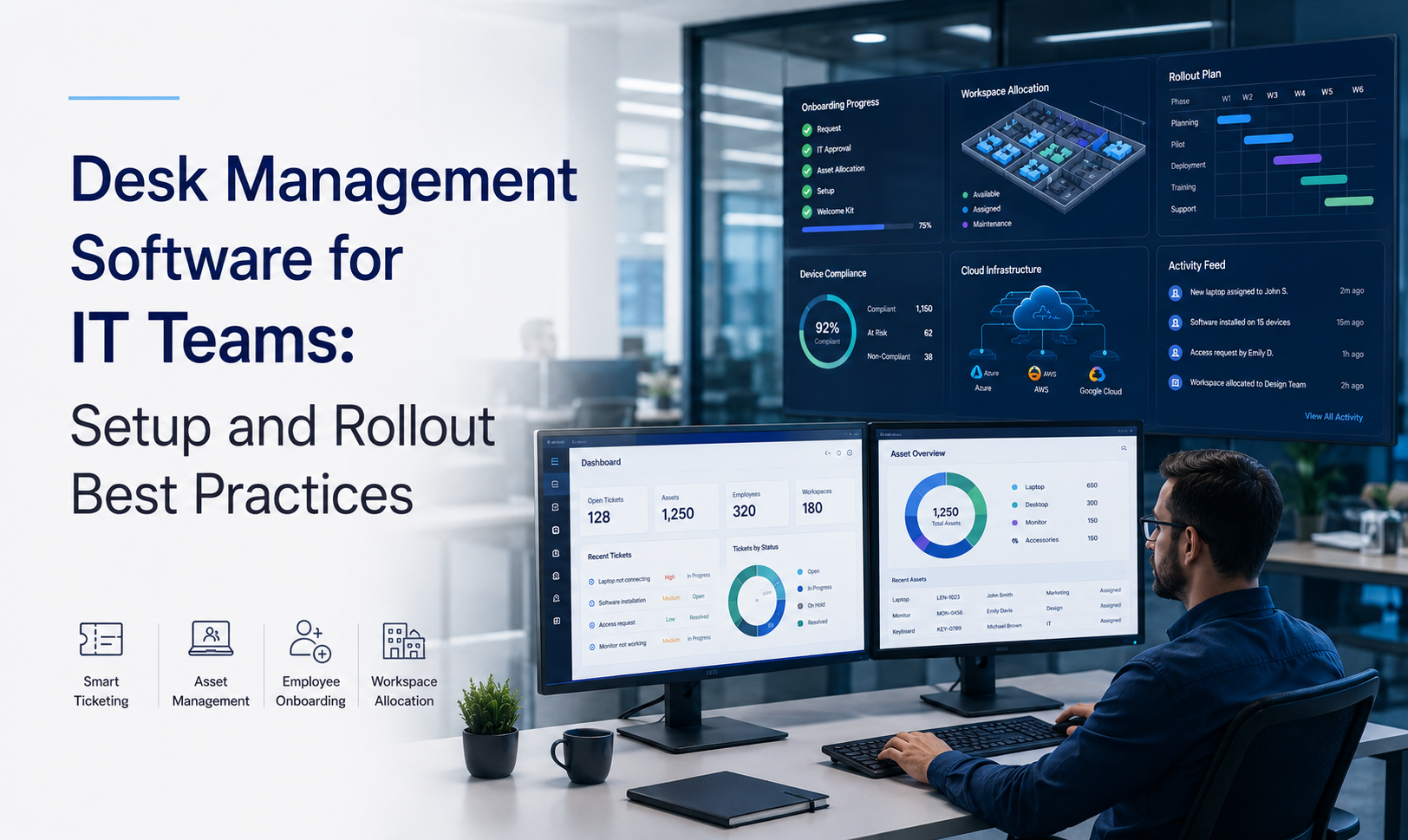
How do I implement desk management software for IT teams?
Implement desk management software by mapping policies, enabling SAML/OIDC SSO and calendar sync, and connecting badge readers or sensors. Run a 4–8 week pilot with representative teams, measure occupancy and no-shows, collect user feedback, then phase rollout with governance, analytics, and targeted training to minimize helpdesk tickets.
Desk management software selection and planning
Define goals and KPIs
Start with primary objectives—utilization, cost savings, employee experience, and compliance—and convert them into measurable KPIs.
- Desk occupancy, booking no-shows, average utilization, time-to-book
- Cost and floorplate targets tied to lease decisions
Inventory technical needs and policies
Document identity and calendar requirements, mobile and API needs, badge/access and sensor strategies, and booking policy rules for reserved seats, neighborhoods, and recurring limits.
Vendor checklist
- Feature fit: desk-level reservations, neighborhood booking, auto-release rules
- APIs and prebuilt integrations for IAM, calendars, sensors, and IWMS/CAFM
- Security & compliance: SOC 2, ISO 27001, data residency
- Multi-site support, admin UX, SLAs
Real-world example
A 2,000-person engineering org enforced auto-release rules and rebalanced floorplates using analytics, cutting leased office costs by 18% while improving booking fairness.
Technical setup and integrations
Core integrations
Getting integrations right reduces false analytics and helpdesk friction. Prioritize identity, calendars, access control, sensors, and IWMS/CAFM connectivity.
Identity and SSO
Enable SAML/OIDC for single sign-on, RBAC, and audit logging to secure bookings and admin actions.
Calendar sync
Integrate Exchange and Google Calendar so desk bookings appear alongside meetings and recurring reservations block availability automatically.
Access systems and sensors
Link badge readers and occupancy sensors to reconcile bookings with real-world presence, enable auto-check-in, and validate occupancy for analytics.
APIs and IWMS/CAFM
Expose booking and occupancy data via APIs for CAFM/IWMS/EAM to align seating with assets, maintenance, and predictive cleaning workflows.
Deployment strategies: pilots, phases, and governance
Pilot design (4–8 weeks)
Run pilots with representative groups (desk-heavy, hybrid, field-first). Define success criteria: adoption targets, no-show reduction, and booking vs. sensor discrepancy thresholds.
Phased rollout
- Phase 1: early adopters + facilities for operational validation
- Phase 2: engineering and shared services with tailored rules
- Phase 3: company-wide rollout and controlled floorplan edits
Governance
Codify booking rules, grace periods, escalation paths, and role-based edit permissions. Provide manager dashboards for repeat offenders and maintain floorplan version control.
Optimizing adoption and measuring success
Adoption strategy
Use role-specific onboarding—IT admins for integrations, facilities for maps/analytics, employees for etiquette and quick-start tips. Activate champions and in-app prompts to accelerate behavior change.
Analytics and continuous tuning
Monitor heatmaps, utilization trends, and booking-to-occupancy ratios. Tune auto-release windows, grace periods, and booking limits based on data and integrate desk data with IWMS/CAFM for predictive cleaning and work-order automation.
Conclusion
A staged, metrics-first approach minimizes disruption while maximizing operational value. Align integrations (SSO, calendars, badge systems), codify governance, run representative pilots, and use analytics to iterate seating allocation and realize space-related cost savings.
Key Takeaways
- Start with clear objectives, KPIs, and a focused pilot to validate assumptions.
- Prioritize SSO, calendar, badge, and sensor integrations and automate policies to reduce overhead.
- Use analytics and IWMS/CAFM integrations to iterate on seating and unlock real estate savings.
Discover how eFACiLiTY can optimize your facility management. Schedule a demo today.
FAQ
How long does a typical rollout take?
Typical rollouts span 8–16 weeks: 2–4 weeks for vendor selection and planning, 4–8 weeks for pilot and integrations, and 2–4 weeks for phased expansion. Timelines vary by number of sites, integration complexity, and governance maturity; include buffer time for policy tuning and user adoption.
What integrations are essential for IT teams?
Essential integrations include SAML/OIDC SSO, Exchange/Google Calendar sync, badge/access systems, and sensor or analytics feeds. Ensure APIs to IWMS/CAFM/EAM so desk data aligns with facilities, asset management, and maintenance workflows for unified operational insights.
How do you manage no-shows and booking abuse?
Apply auto-release rules, configurable grace periods, and booking limits. Surface repeat offenders in manager dashboards and use progressive remediation—notifications, coaching, temporary restrictions. Continuously tune parameters using analytics to reduce false positives and keep access fair.




