
How do space management software heatmaps improve short‑term leasing yield?
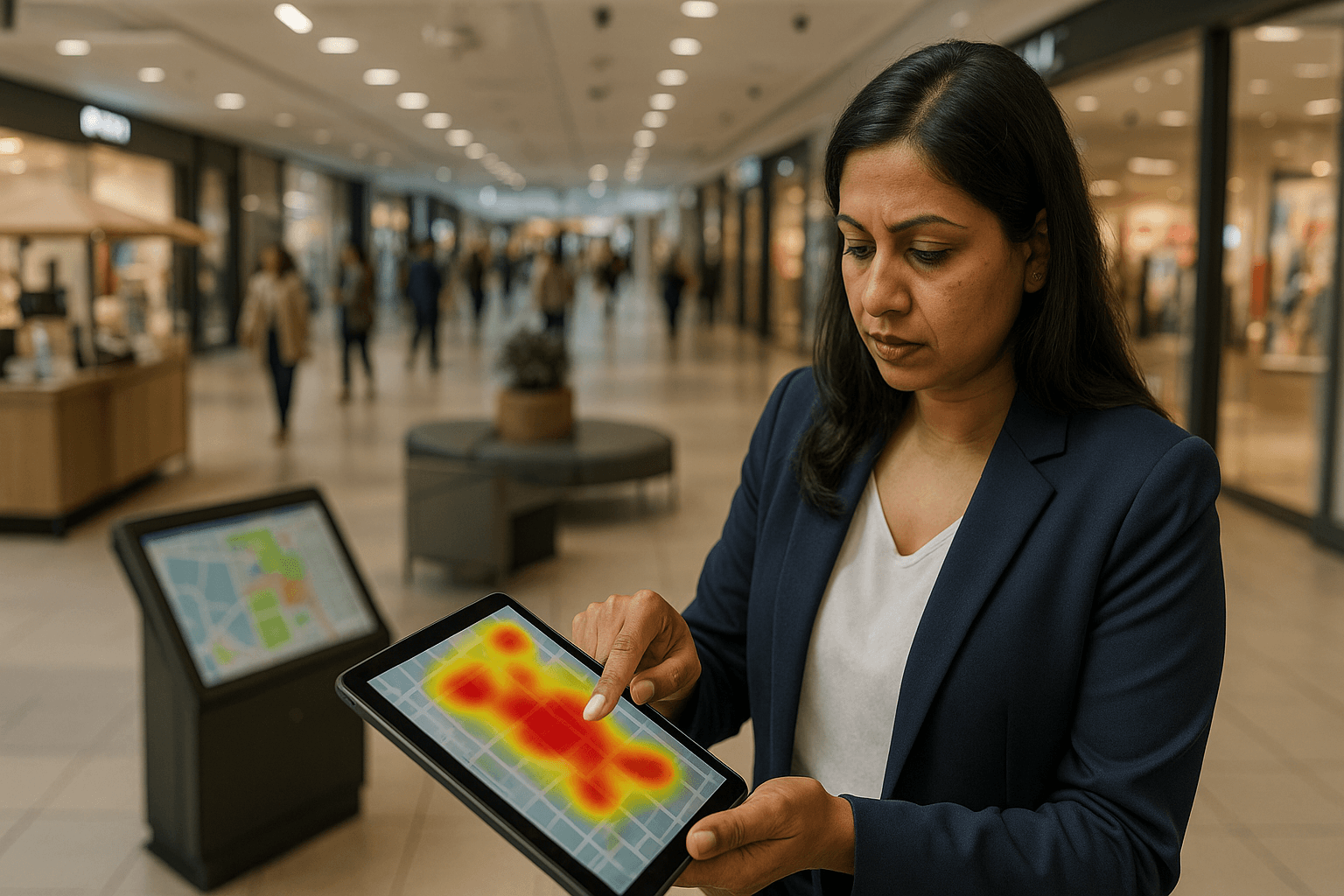
Space management software heatmaps reveal real-time footfall, dwell-time, and hourly peaks so managers can rank parcels (hot/warm/cold), set time-of-day premiums, and schedule activations during peak windows. This alignment of placement, pricing, and peak staffing converts higher visibility into faster payback and measurable uplift within 4–8 weeks.
Integrated data sources and setup
Data inputs
Combine multiple signals to improve spatial accuracy and validate conversions:
- Wi‑Fi/BLE beacon footprints and anonymized mobile pings
- Camera people-counts and occupancy sensors
- POS transaction timestamps and booking logs
Practical setup steps
Deploy or connect sensors and POS, map sensor zones to leasing parcels (kiosk 1, corridor A), and tag events or maintenance to isolate anomalies. Validate heatmap signals with spot POS checks before pricing changes.
Mapping space management software heatmaps to leasing decisions
From heat to actions
Use heatmap outputs to prioritize offers and placement:
- Rank parcels as hot / warm / cold and apply tiered pricing
- Recommend adjacent support spaces for complementary brands
- Schedule activations to align with hourly heat peaks
Validation and risk reduction
Cross-check heat intensity with POS conversion and dwell-time before labeling a parcel “hot.” This reduces empty activations and justifies premium short-term rents.
Short‑term tactics and pricing frameworks
Dynamic pricing tied to heat intensity
Create tiered rules: e.g., a 20–40% premium for parcels in the top 10% of heatmap intensity during weekend peaks. Implement rules in lease management modules to automate quotes and speed approvals.
Placement and promotional levers
Optimize sightlines and pathway intercepts, run A/B placement tests, and coordinate cross-promotions. Use heatmap-guided signage and seating adjacencies to amplify dwell and conversion.
Measuring impact: KPIs and capacity tracking
Core KPIs
- Dwell time (average and distribution)
- Conversion rate (visitors → transactions)
- Footfall per sqm
- Effective rent per footfall (rental revenue ÷ unique visitors)
Operational alignment
Use capacity tracking to match staff and stock to peak windows, enforce safety limits, and smooth crowd flow to protect conversion and experience.
Playbook: step‑by‑step heatmap leasing campaign
Step 1 — Identify targets and KPIs
Define objectives (for example, 15% rent uplift, +10% conversion) and select representative hot, warm, and cold test locations.
Step 2 — Collect and validate data (3–14 days)
Gather continuous data for 3–14 days, smooth anomalies, and validate heatmap patterns with POS checks.
Step 3 — Execute offers and activations
Draft short-term lease terms, set merchandising and staffing plans, and schedule activations aligned to peak windows identified in heatmaps.
Step 4 — Measure, iterate, scale
Run A/B placement and pricing tests, analyze KPIs, adjust offers, and roll successful tactics across similar zones or sites.
Comparing solutions and vendor selection
Feature checklist
Prioritize vendors with high heatmap granularity, robust POS/IoT integration APIs, real-time analytics, multi-site rollups, and retail-focused pricing modules.
Integration and compliance
Vet data ingestion ease, anonymization controls, professional services support, SLAs, and clear data retention and privacy policies.
Conclusion
Heatmap-capable space management software transforms aggregated footfall and dwell signals into rapid, revenue-focused leasing decisions. A structured playbook reduces risk, shortens decision cycles, and delivers measurable short-term yield uplift across retail portfolios.
Key Takeaways
- Use heatmaps to prioritize high-dwell zones and justify premium short-term rents.
- Align staffing and stock with capacity tracking and POS integration to protect conversion.
- Start with a short pilot, measure uplift, and scale winning placements across similar sites.
Discover how eFACiLiTY can help optimize your retail portfolio and short-term leasing workflows. Schedule a demo to see heatmap leasing in action.
FAQ
How long does it take to see results from heatmap‑driven leasing?
Actionable heatmap patterns usually appear within 3–14 days of continuous data. Meaningful revenue uplift is typically measurable after one active leasing cycle (4–8 weeks), once placement, pricing, and repeated activations validate conversion and payback assumptions.
What data sources feed heatmaps in space management software?
Common inputs include Wi‑Fi/BLE beacons, anonymized mobile pings, camera people-count analytics, POS transaction timestamps, and reservation logs. Combining sensor and POS data improves spatial accuracy and links footfall to conversion for pricing decisions.
Can a space allocation system integrate with existing POS, IoT, and analytics platforms?
Yes. Mature space allocation and IWMS vendors provide APIs and connectors for POS, IoT sensors, and analytics platforms. During vendor selection, verify integration capabilities, data models, SLAs, and available professional services for smooth ingestion and reporting.




