
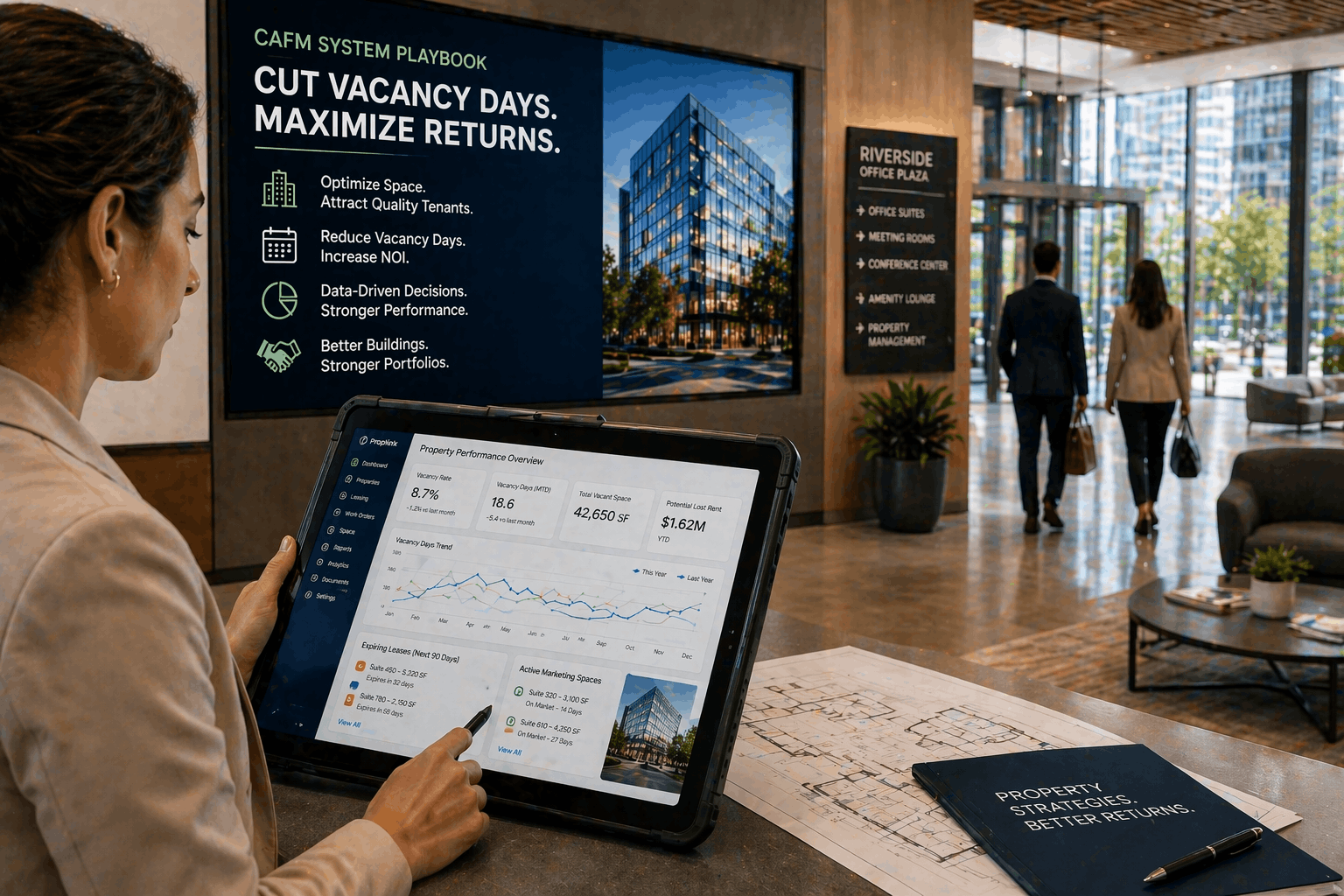
How can a CAFM system directly reduce vacancy days for commercial property managers?
A CAFM system centralizes asset data, automates work orders, and enforces SLAs so turnovers proceed faster. By standardizing checklists, prioritizing repairs, and providing real‑time job tracking with mobile proofs, teams reduce rework, accelerate vendor response, and shorten time‑to‑lease—delivering measurable reductions in vacancy days across portfolios.
Diagnosing common causes of extended vacancy days
Root‑cause checklist
Identify operational failure points that lengthen vacancy and focus remediation where it matters:
- Slow work‑order assignment and vendor response times.
- Incomplete or outdated asset records delaying diagnostics and parts ordering.
- Weak vendor coordination, frequent rework, and poor SLA enforcement.
Example: HVAC verification is delayed because unit model/serial numbers are missing—technicians spend days locating manuals or parts, extending vacancy unnecessarily.
Data to collect for a Pareto analysis
Collect targeted metrics to reveal bottlenecks and prioritize fixes:
- Average time‑to‑complete by task type (painting, HVAC, cleaning).
- Repeat‑failure assets and historic repair costs to identify candidates for replacement.
- Turnover delays by location and vendor to highlight underperformers.
Implementing a CAFM system: step‑by‑step for property managers
Planning and stakeholder alignment
Define KPIs before rollout—days on market, average turnover time, repair cycle time. Map workflows and handoffs between leasing, facilities, and vendors. Identify quick wins such as auto‑creating work orders from lease‑end events to eliminate manual queues.
Data migration and facility asset records
Inventory high‑impact assets first (HVAC, electrical panels, unit finishes). Attach warranties, service history, and standardized naming conventions. Clean location hierarchies and condition ratings to enable accurate prioritization during turnovers.
Configuration and pilot
Configure priority rules, SLAs, and automated notifications; pilot across a small building set. Require completion photos and iterate checklists with field feedback before scaling portfolio‑wide.
Operational playbook: workflows, job tracking, and vendor orchestration
Standardized maintenance workflows
Create pre‑built turnover checklists—paint touch‑ups, HVAC verification, cleaning, lock changes—and trigger preventive maintenance to reduce repeat failures. Standardization lowers variability and makes contractor booking predictable.
Job tracking and communication
Use the CAFM’s job tracking to assign, monitor, and close tasks with timestamps. Provide mobile access for technicians and require photo attachments as proof‑of‑completion to reduce rework and speed leasing handoffs.
Vendor and contractor management
Automate dispatch, monitor SLA compliance, and publish performance scorecards. Integrate supplier portals and invoicing to reduce administrative lag and tie payments to on‑time completions. Use first‑time‑fix and turnaround metrics to inform renewals and incentives.
Managing facility asset records and service lifecycle
Building a living asset register
Capture make/model, serial numbers, manuals, photos, and past repairs. Link assets to spaces and lease records so unit vacates automatically surface associated inspections and required turnover checks.
Lifecycle strategies to reduce downtime
Adopt condition‑based maintenance and schedule strategic end‑of‑life replacements for chronic‑failure assets. Proactive replacements reduce last‑minute outages that delay re‑lets and cut cumulative vacancy days.
Measuring ROI: KPIs and reporting to prove vacancy reduction
Core performance metrics
- Vacancy days per unit
- Average turnover time
- Time‑to‑repair (TTR) and cost‑per‑turn
- Vendor compliance rate and tenant satisfaction scores
Reporting cadence and dashboards
Provide executive portfolio and operational site dashboards. Use monthly trend analysis to detect process drift, vendor issues, or data quality problems—e.g., recurring parts procurement delays that add fixed days to turnovers.
Conclusion
A well‑implemented CAFM system centralizes facility data, standardizes maintenance workflows, and provides robust job tracking that compresses turnover timelines. For commercial property managers, those improvements protect revenue, reduce vacancy days, and improve tenant experience across a portfolio.
Key Takeaways
- Implement a CAFM system to centralize asset data and automate critical turnover workflows.
- Enforce vendor SLAs and use job tracking to shorten time‑to‑complete and reduce rework.
- Maintain clean asset records and track KPIs to validate ROI and drive continuous improvement.
Discover how eFACiLiTY can optimize your facility management. Schedule a demo today.
FAQ
How long does it take to see vacancy reductions after implementing a CAFM system?
Initial gains are often visible within 60–90 days when standardized turnover workflows, data cleanup, and change adoption are prioritized. Full portfolio‑wide benefits typically emerge over 6–12 months as buildings, vendors, and processes are onboarded and optimized.
Can a CAFM system integrate with my property management or leasing platform?
Yes. Modern CAFM platforms offer APIs and prebuilt integrations to sync lease units, tenant contacts, and lease‑end triggers. This enables automated work‑order creation and end‑to‑end coordination that accelerates re‑lets and reduces administrative handoffs.
What data is critical to migrate first into a CAFM?
Start with facility asset records (make/model, serial numbers, manuals), current open work orders, vendor contact lists, and location hierarchies. These datasets enable immediate dispatch accuracy, automated workflows, and faster reductions in turnover time.




