
Overview
This playbook outlines how desk management software fits into retail operations, which pain points it solves, and a practical rollout path from audit to regional scale-up. It focuses on measurable outcomes: faster shift fills, lower overtime, and clearer governance.
How does desk management software automate shift seating and prevent overtime for retail chains?
Desk management software enforces rule-based seat allocations (skills, certifications, proximity), syncs with schedules and floor plans, and flags conflicts before shifts start. By prioritizing internal reassignments and issuing early alerts, it minimizes last-minute coverage failures that typically trigger overtime and manual coordination.
What is desk management software and how it works
Centralized allocations and real-time enforcement
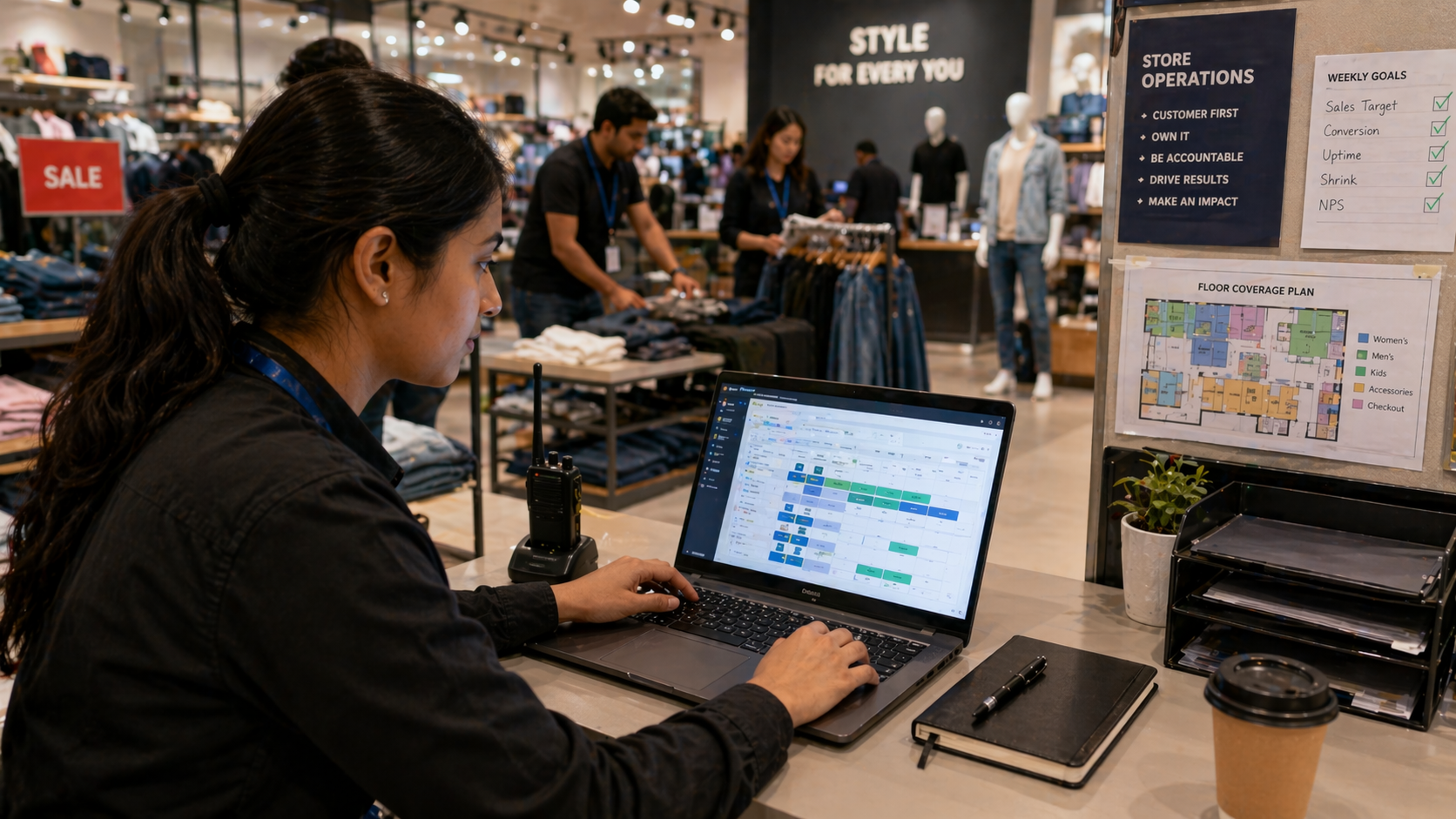
Desk management software centralizes seat and workstation assignments across stores using configurable rules. Integrations with HR rosters, IWMS/CAFM/EAM, and floorplan systems keep allocations accurate and enforceable.
- Assign certified staff to registers during peak hours.
- Reserve back-office desks for inventory reconciliation by role and time.
- Maintain audit trails for swaps, approvals, and payroll reconciliation.
How to implement desk management software in retail stores
Four-step rollout
Adopt a staged approach to limit disruption and prove ROI.
- Audit: Map store layouts, hot spots, and peak shift patterns.
- Define rules: Configure allocations by role, skill, seniority, and proximity with exception workflows.
- Pilot: Start in 1–3 stores, collect feedback, and train managers on check-in and swaps.
- Scale & optimize: Roll out regionally, automate usage tracking, and refine rules using utilization and overtime data.
Measuring ROI: desk usage tracking and overtime savings
Key KPIs and dashboards
Track desk utilization by store and role, average time-to-fill seats, overtime hours avoided, and manager administrative hours saved. Use dashboards to spot underused space, recurring shortages, and to model labor-cost savings (for example, a 15% overtime drop across 50 stores can yield six-figure annual savings).
Comparing hot desking tools and traditional seating models
When to use which
Choose hot desking for flexible back-office roles, seasonal hires, and shared teams to reduce footprint costs and idle time. Use assigned seating for fixed specialists like store managers and loss-prevention staff to preserve role continuity and consistency.
- Hot desking: Dynamic capacity, lower footprint, faster onboarding.
- Assigned seating: Role-specific continuity, predictable assets and tooling.
Governance, compliance, and IWMS benefits
Policy, integrations, and auditability
Define allocation policies, approval chains, and retention rules to maintain governance. Integration with IWMS/CAFM/EAM provides consistent floorplans, centralized asset tagging, and better forecasting by combining space use with maintenance schedules—delivering audit-ready records and reduced compliance risk.
Implementation use cases and success metrics
Practical scenarios
Common retail use cases include seasonal surges (auto-reassign temps to high-volume registers), cross-store floaters (reduce idle time), and auditability (central logs for payroll disputes). Measure utilization uplift, overtime reduction percentage, and manager time saved to calculate payback period.
Conclusion
Desk management software aligned with your Space Management System transforms chaotic seating into a predictable, auditable process. For retail operations managers, it delivers faster shift fills, lower overtime, and clearer visibility across stores—turning seat chaos into operational advantage.
Key Takeaways
- Desk management software automates shift seating, reduces manual scheduling, and cuts overtime.
- Integrations with IWMS/CAFM/EAM and HR rosters ensure allocations reflect real-time capacity and roles.
- Implement via audit → rules → pilot → scale, and measure ROI through utilization, fill time, and overtime metrics.
Discover how eFACiLiTY can optimize your facility management. Schedule a demo today.
FAQ
How much does desk management software cost for a retail chain?
Costs vary by store count, user seats, integrations, and deployment model. Expect licensing, implementation, and integration fees. Run a small pilot to capture per-store TCO, then model payback using reduced overtime, faster fill times, and manager-hours saved for an accurate forecast.
Can desk management software integrate with my Space Management System and HR roster?
Yes. Enterprise solutions typically offer APIs and prebuilt connectors to sync floor plans, capacities, rosters, and payroll. Tight integration ensures seat assignments reflect real-time shift schedules and space constraints, maintaining accurate, compliant allocations across stores.
How does a desk allocation system prevent overtime?
It enforces rule-based assignments, surfaces capacity gaps early, and prioritizes qualified internal reassignments before approving overtime. Automated alerts and auditable swap logs reduce last-minute coverage failures, minimizing the common triggers for overtime payments.




