
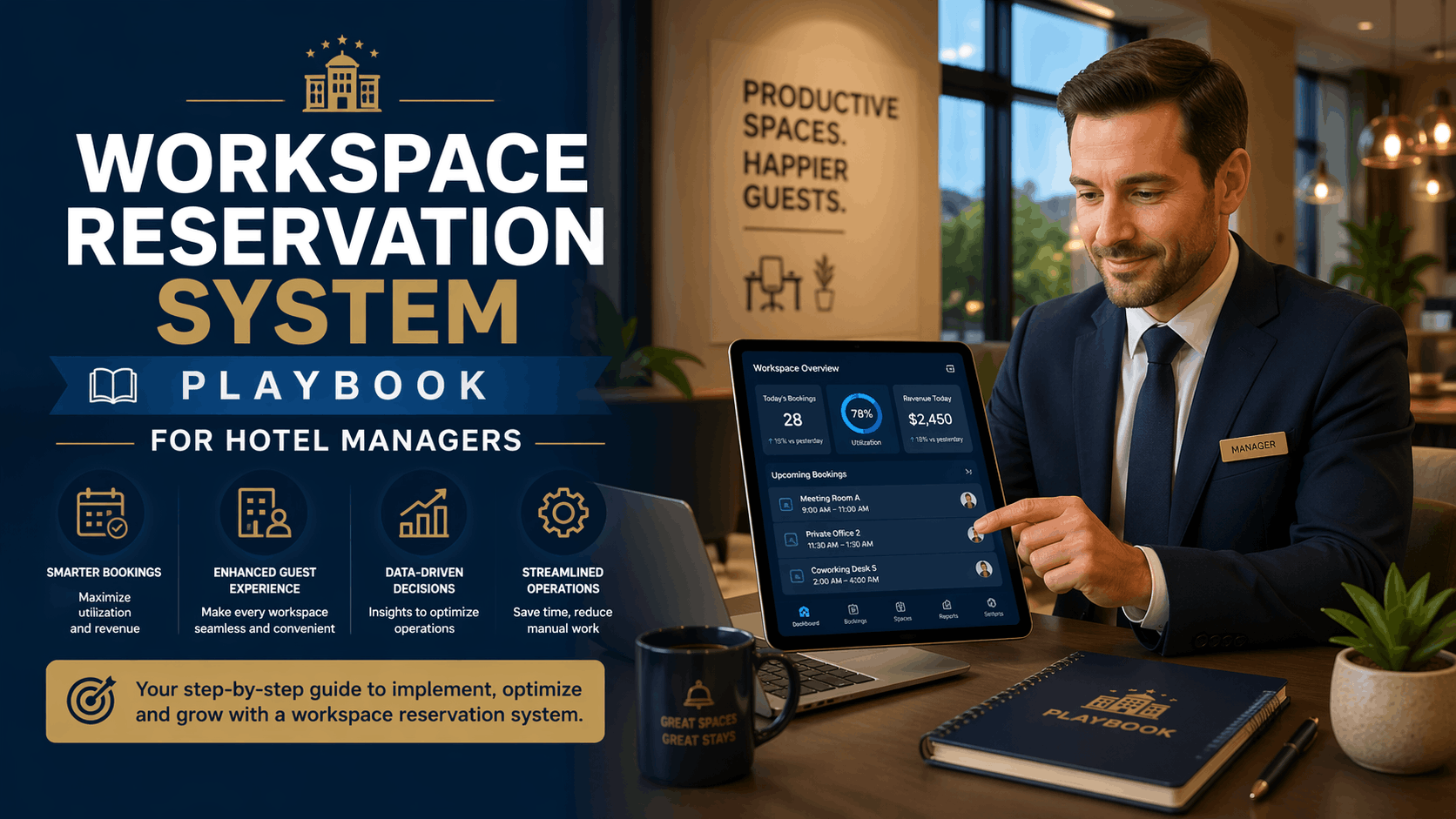
How can a workspace reservation system increase meeting room revenue?
A workspace reservation system increases meeting room revenue by centralizing bookings, enforcing rates and deposits, and automating upsells. It reduces no-shows with confirmations and waitlists, applies dynamic pricing for peak windows, and attributes charges via folio posting and RevPAH analytics to convert idle rooms into predictable income.
What is a workspace reservation system and how does it support meeting room revenue?
Core definition and business impact
A workspace reservation system is software that manages meeting room availability, pricing, inventory, and reporting. For hotels it delivers real-time availability, enforces tiered hourly rates and add-ons, captures deposits and folio postings, and provides RevPAH and utilization analytics to measure and grow meeting room revenue.
Pricing strategies and dynamic rate controls
Tiered rates, add-ons, and minimums
Implement tiered hourly rates (standard, peak, premium), add-on pricing for AV and F&B, and minimums for evenings or weekends. Use dynamic rules to apply premiums during conference mornings and discounts for off-peak micro-meetings.
- Auto-apply peak premiums and off-peak discounts
- Bundle AV, setup, and technician time as chargeable items
- Set minimums for special-event windows
Day-of pricing and last-minute inventory
Enable real-time day-of adjustments to capture last-minute demand. Present instant offers to on-site guests and use waitlists to re-fill cancelled blocks automatically.
Reducing no-shows and cancellations
Deposits, confirmations and automated reminders
Require deposits for high-value bookings and automate confirmations, reminders and clear cancellation policies. Implement waitlists with auto-reallocation to minimize idle hours and protect revenue.
Packaging meeting rooms with hotel services
Bundle meeting rooms with room nights, F&B minimums, or meeting credits. Use the booking flow to prompt upsells—coffee breaks, hybrid streaming kits, breakout setups—and post charges directly to guest folios to maximize capture.
Key features to evaluate in a workspace reservation system
- Clear calendar views, mobile booking, recurring bookings and multi-room blocks
- Two-way calendar and PMS/CRS sync with folio posting
- Inventory for AV kits, room setups, capacity rules and staff assignments
- Utilization dashboards, RevPAH, lead-to-booking funnel and no-show reporting
- Payment gateway tokenization and regional data-compliance (GDPR)
Implementing a workspace reservation system in your hotel: step-by-step
Assessment and requirements
Map inventory (boardrooms, breakout rooms, hybrid studios), define pricing, deposit rules and staff roles. Prioritize folio posting, payment capture, and calendar sync to avoid operational friction and revenue leakage.
Integration planning (PMS, CRS, calendar, payments)
Plan APIs and two-way availability sync with PMS/CRS and calendar apps. Confirm support for payment tokenization and folio posting so meeting charges appear correctly on guest accounts and revenue reports.
Pilot, training, and roll-out
Pilot on one room type or floor, create staff playbooks and guest-facing booking guides, and track pilot KPIs—utilization, RevPAH, conversion and no-shows—before full property rollout.
Measuring ROI, pricing models, and vendor selection
Focus vendor conversations on KPIs: utilization rate, RevPAH, conversion rate, average lead time and no-show percentage. Evaluate pricing models (subscription, per-booking, hybrid) and negotiate trial periods tied to measurable SLAs and uptime commitments.
Integration, compliance, and operations
Ensure PMS, CRS/OTA, calendar, SSO and payment gateway integrations. Confirm data-handling practices meet local privacy rules, payments are tokenized, and handoff workflows include setup SLAs and penalties to protect guest experience.
Best practices and use cases
- Corporate hybrid events: hourly pricing, dedicated bandwidth and technician time
- Micro-meetings and day-use: integrate desk booking for short sessions and promote midweek discounts
- Conference overflow and last-minute upsells: use waitlists and instant reallocations to monetize demand
Conclusion
A purpose-built workspace reservation system centralizes meeting room booking, enforces pricing policies, and provides the analytics needed to convert idle space into measurable revenue. Implement in phases, measure with RevPAH and utilization, and align ops to capture predictable incremental income.
Key Takeaways
- Centralize bookings, enforce pricing and capture deposits to reduce no-shows.
- Use dynamic pricing, folio posting and automated upsells to increase average booking value.
- Measure success with utilization, RevPAH and conversion metrics; pilot before full rollout.
Discover how eFACiLiTY can optimize your facility management. Schedule a demo today.
FAQ
What’s the difference between a workspace reservation system and a desk reservation system?
A workspace reservation system focuses on scheduling and monetizing rooms and event spaces with capacity controls, AV inventory, package billing, and folio posting to capture revenue. A desk reservation system targets hot-desking and short-term flexible bookings and typically lacks complex package billing or AV resource management.
How much does implementing a workspace reservation system cost for a hotel?
Costs vary by property size, integration scope and feature needs. Expect implementation fees, subscription or per-booking charges, PMS and payment gateway integrations, and staff training. Request vendor proposals tied to KPIs like RevPAH and utilization to estimate ROI and total cost clearly.
Can a workspace reservation system integrate with my PMS and calendar tools?
Yes. Enterprise systems typically offer APIs and prebuilt connectors for major PMS, CRS/OTA platforms, calendar apps, and payment gateways. Confirm two-way availability sync, secure payment tokenization, and folio posting so bookings and charges appear correctly on guest accounts and revenue reports.




