
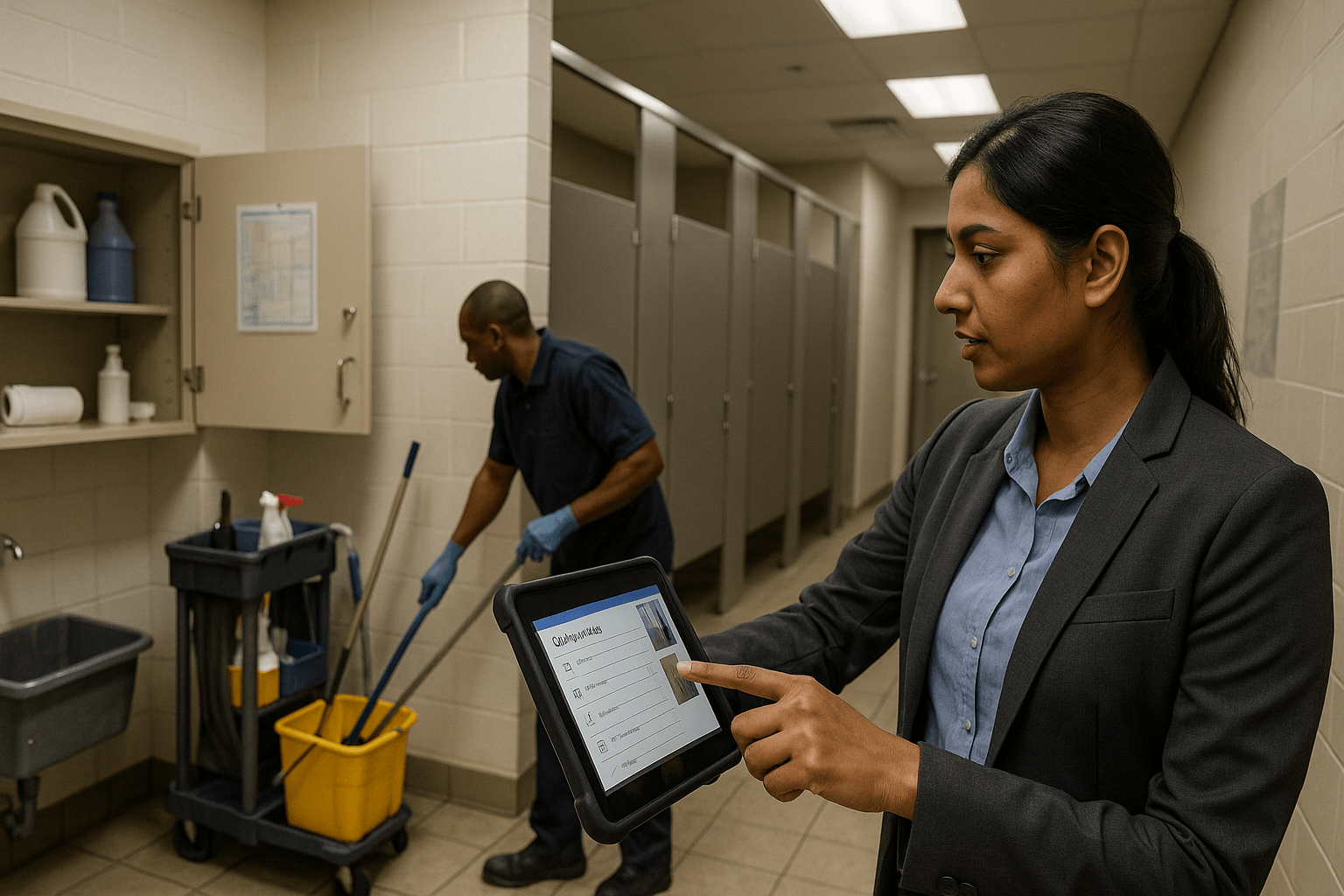
How does facilities management software automate cleaning operations SLAs?
Facilities management software automates SLAs by creating recurring, calendar-driven work orders, routing tasks by zone and role, capturing timestamped photos and checklists, and applying pass/fail rules to inspections. Automated alerts, corrective work orders, and audit-ready reports close the loop on compliance and escalation without manual tracking.
Why Service Delivery Managers need automated SLA enforcement
Business drivers and enterprise alignment
Service Delivery Managers oversee multiple sites where punctuality, quality, and auditability are critical. Automated SLA enforcement ensures consistent compliance, reduces client disputes and penalty exposure, and shifts teams from reactive to proactive operations.
- Consistency: recurring work orders and mobile checklists enforce standardized service delivery.
- Auditability: timestamped photos, signatures, and geofencing create tamper-resistant evidence.
- Cost control: lower rework and penalty risk through proactive monitoring and vendor scorecards.
How to set up SLA automation with facilities management software
1. Define SLAs and acceptance criteria
Document frequency, response windows, and measurable acceptance criteria (for example: restroom pass = no visible soil, no odour, supplies stocked). Map escalation paths and link contractual terms to SLA templates.
2. Configure workflows, schedules, and routing
Create calendar-driven recurring work orders, route by zone, shift, and skill level, and align tasks with labor cost centers. Use geo-tagged assignments to ensure correct site and zone coverage.
3. Automate inspections and evidence capture
Deploy mobile checklists with mandatory photos, timestamps, and signatures. Set pass/fail rules that automatically create corrective work orders and log remediation timelines for audit trails.
4. Alerts, escalations, and enforcement
Define thresholds (e.g., 30 minutes for urgent spills), automate notifications to supervisors or vendors, and maintain an immutable event log showing response and resolution timestamps.
Integrating vendor service management and facility operations
Vendor onboarding and contract mapping
Link contracts to SLA templates and your service catalog so work orders reference contractual SLAs, rates, and scopes. Capture vendor certifications and permissions during onboarding to reduce compliance gaps.
Coordination between in-house teams and vendors
Use shared queues and vendor portals to avoid duplicate work. Automate purchase orders and reconcile invoices against completed SLAs to speed payments and maintain financial auditability.
Performance scoring and incentives
Implement automated scorecards measuring on-time completion, inspection pass rates, corrective action speed, and cost per clean. Use score thresholds to trigger renewals, penalties, or incentives objectively.
Measuring ROI: KPIs, dashboards, and reporting for cleaning operations
Key performance indicators
- SLA compliance rate
- Average resolution time
- Repeat issues per site
- Cost per clean
- Utilization and overtime
Dashboards by audience
Create executive dashboards with aggregated trends, cost savings, and vendor scorecards. Provide operations teams with daily completion lists, missed cleans, and inspection pass-rate views to drive immediate corrective action.
Common implementation challenges and best practices
Address data quality by standardizing zone definitions, asset lists, and service codes before rollout. Pilot high-impact sites, train frontline staff, and iterate with operational feedback. Prioritize integrations with HR, rostering, and procurement for scale across multi-site or franchise models.
Conclusion
Automating cleaning ops SLAs with facilities management software centralizes processes, improves compliance, and delivers measurable operational and financial benefits. Success hinges on clear SLA definitions, mobile-first inspection capture, vendor integration, and KPI-driven iteration.
Key Takeaways
- Facilities management software enforces SLAs via scheduled work orders, mobile inspections, and automated escalations.
- Vendor integration ties contractual SLAs to daily operations, reconciliation, and performance-based incentives.
- Pilot rollouts, standardized data, and KPI-driven iteration are essential to scale automated SLA enforcement.
Discover how eFACiLiTY can optimize your facility management with IWMS. Schedule a demo today.
FAQ
How does facilities management software differ from basic cleaning checklists?
Facilities management software centralizes scheduling, vendor management, inspections, and reporting with automated workflows and tamper-resistant audit trails. It integrates with HR and procurement, triggers escalations automatically, and provides enterprise-grade reconciliation and reporting to resolve disputes and manage vendor performance.
Can maintenance planning tools be integrated with cleaning SLA automation?
Yes. Most platforms integrate maintenance planning to align preventive work with cleaning schedules, optimize labor allocation, and reduce conflicts. This coordination lowers rework rates and enables coordinated shift planning and resource utilization across facilities.
How do I measure vendor performance for cleaning contracts?
Use vendor scorecards tied to service-tracking data: SLA compliance, on-time completion, inspection pass rate, corrective action turnaround, and cost per clean. Automate score updates and link them to renewal triggers, penalties, or incentives for objective vendor management.
What are typical timeframes to implement SLA automation?
Pilot deployments often launch in 6–12 weeks for a few sites. Full multi-site rollouts typically take 3–9 months depending on integrations, data readiness, and change management. Start with high-impact sites to prove value before scaling.




